Understand the code.
Know what to check next.
Search a fault code or symptom, learn what it can mean, then use the AI4Car Android app to read supported data from your own vehicle and keep a scan history.
Something needs attention.
Start with the fault code from your scanner or describe what the car is doing.
Start with a fault code
Plain-language explanations, common causes, and a practical order for checking the problem.
Latest
Recently added to the handbook
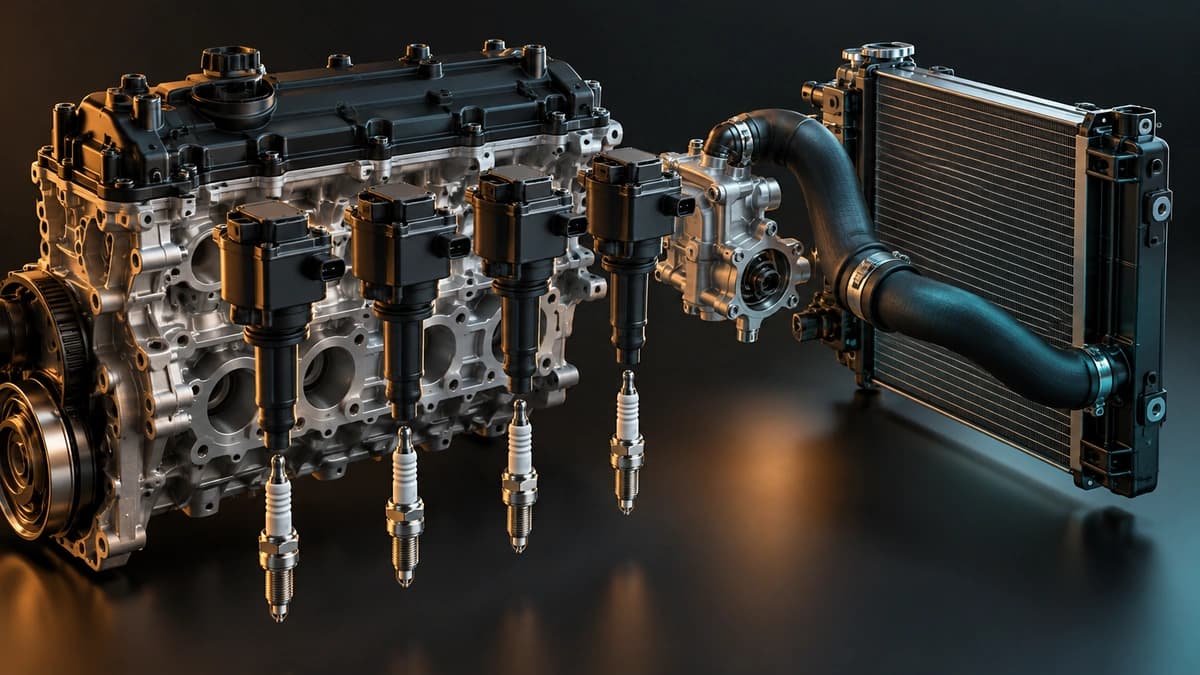
A Maxima ran rough after a separate heat event
A 1997 Maxima first had a cylinder-two ignition fault, which the owner said was resolved by replacing a coil.
Added Sep 26, 2026
Read story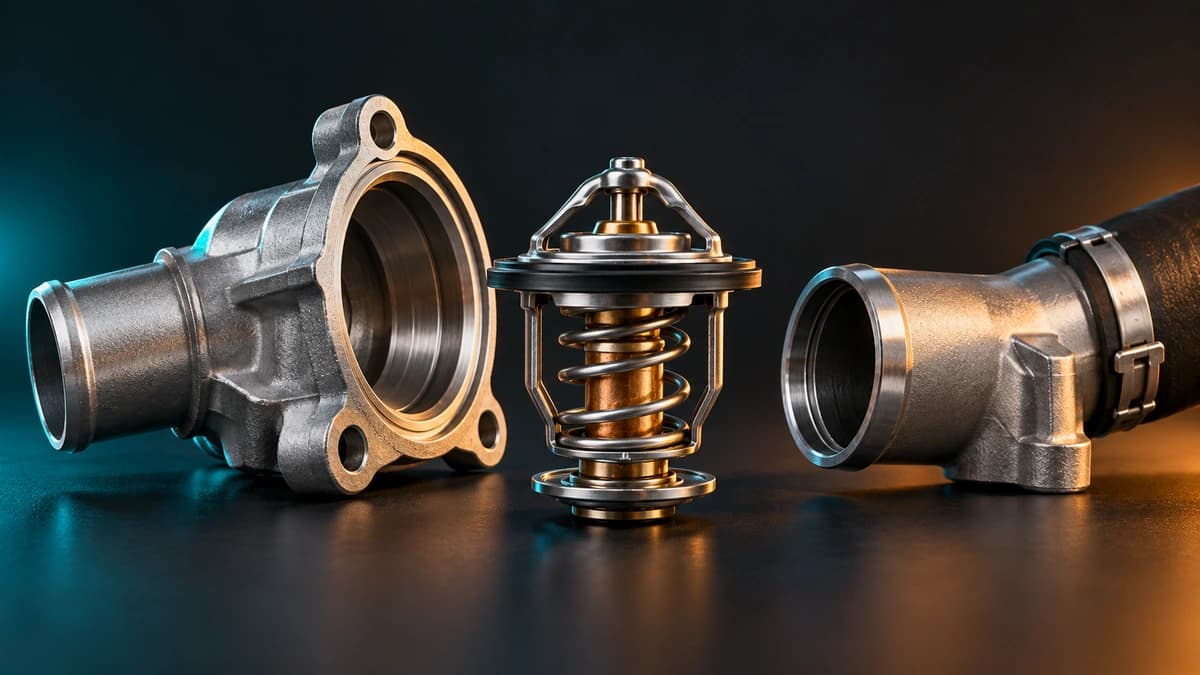
A long-running overheating discussion involved several attempts to trace restricted cooling flow.
Real Cases
The thermostat opened on the bench but not in the engine
Added Sep 26, 2026

A 2001 Elantra misfired for the first five to ten minutes after startup, especially after sitting for several days.
Real Cases
Misfires after a Hyundai sat for several days
Added Sep 26, 2026

A 2000 Silverado showed a flashing check-engine light and P0300.
Real Cases
P0300 on four Silverado cylinders
Added Sep 26, 2026
When general information is not enough
Read data from the car in front of you
The library explains what a code may mean. AI4Car connects through an OBD2 adapter so you can inspect the codes and supported sensor data from your own vehicle.
Explore AI Scanner
AI4Car Scanner
Android · Bluetooth and Wi-Fi
- Read stored and pending fault codes
- Inspect supported live-data values
- Keep scan history with each vehicle